
The short answer
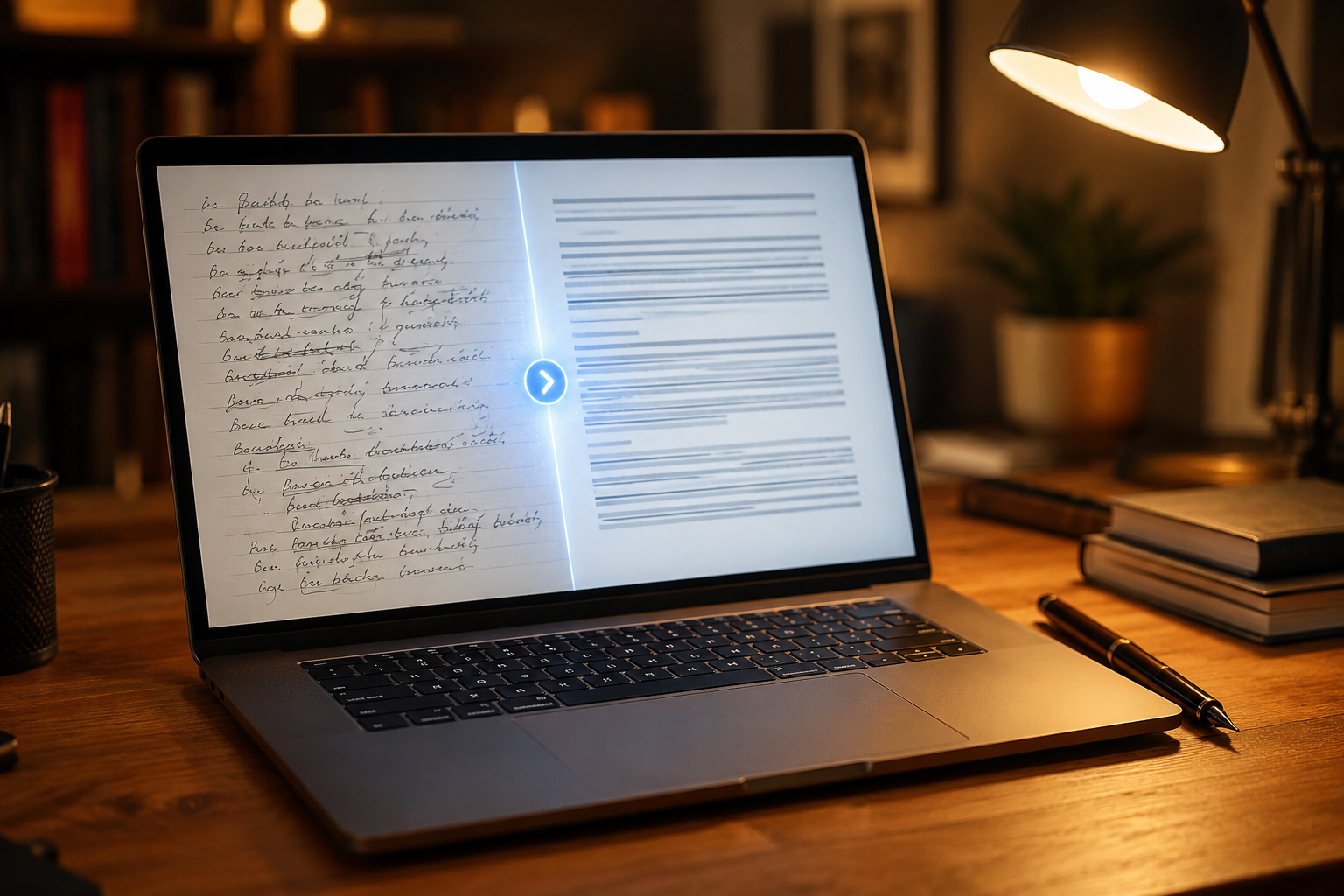
AI doesn’t replace writing. It removes the friction of getting started, so you can spend more time on ideas (I still keep a notebook nearby for the ones AI cannot generate) and less time staring at a blank page. A tool like Readwise keeps your best highlights from books and articles searchable, so you always have raw material to draw from when drafting. The best way to use AI for writing is to use it as a collaborator — not a ghostwriter.The problem with how most people use AI for writing
Most people prompt AI with: “Write me a blog post about X.” The result:- Generic
- Doesn’t sound like them
- Usually wrong in some way
A 5-step AI writing workflow
Step 1: Ideation
Use AI to brainstorm angles on a topic you already care about. Prompt: “I want to write about [topic]. Give me 10 angles that would genuinely help someone struggling with [problem].” Choose the angle that resonates most with you.Step 2: Outline
Use AI to build a structured outline from your angle. Prompt: “Create a detailed outline for a post titled [your title]. Include: intro, main sections with H2s, FAQ, and conclusion.” Edit the outline to match your voice and knowledge.Step 3: First draft
Write the first draft yourself using the AI outline as a scaffold. Or use AI to expand each section, then rewrite in your voice. Key: don’t publish AI’s first draft. Ever.Step 4: Edit and refine
Use AI to:- Simplify overly complex sentences
- Check for clarity and flow
- Suggest stronger openings
- Find gaps in logic
Step 5: SEO optimization
Use AI to:- Suggest a focus keyphrase
- Write a meta description
- Identify internal linking opportunities
- Create an FAQ section based on common questions
Real example
Topic idea: How to stay consistent when motivation fails AI-assisted workflow:- Brainstorm 10 angles → Choose “systems vs motivation”
- Generate outline → Edit to add personal examples
- Draft each section → Rewrite in your voice
- Edit with AI → Simplify and tighten
- Add SEO → Write meta description and optimize headings
FAQ
Is AI writing cheating? No. Using AI as a writing tool is no different from using spell check or a thesaurus. The ideas, experiences, and perspective must be yours. Will AI make my writing sound generic? Only if you don’t edit it. Always rewrite AI output in your own voice. What’s the best AI for writing? Claude and ChatGPT are both strong. The best AI is the one you’ll actually use consistently within a workflow.Related Articles
- How to Use AI for Productivity
- How to Use Automation to Save Time
- How to Optimize Your Workflow
- Exploring Blake Murphy’s Writing
Related Reading
About the Author
Blake Murphy is the author of Still Here, a book about resilience, growth, and finding meaning in everyday life. Learn more about the book →Frequently Asked Questions
Is it cheating to use AI for writing?
No. Using AI as a writing collaborator is no more cheating than using spellcheck, an outline, or an editor. The key is that your judgment, voice, and ideas drive every step — AI just removes friction.
What is the best AI writing workflow for beginners?
Use AI in five steps: brainstorm angles, build an outline, draft section-by-section, edit for voice, and polish for SEO. Never ask AI to write a full post in one prompt — the result is generic.
Will AI-written content hurt my SEO?
Only if you publish raw, generic AI output. Search engines reward content that is useful, original, and aligned with intent. AI-assisted content that you edit, fact-check, and infuse with personal experience performs just as well as fully human writing.
Related Reading
- How to Build a Second Brain with AI (Simple Knowledge Management System)
- How to Use AI to Think Better (Not Just Work Faster)
- Why You Keep Procrastinating (And the Simple Fix That Works)
- How to Stay Productive When You Feel Unmotivated (Systems Over Motivation)
- 5 Self-Improvement Habits That Actually Stick
- Exploring Blake Murphy’s Writing
